SCREEN MOVIE WITH iPHONE FROM MAC
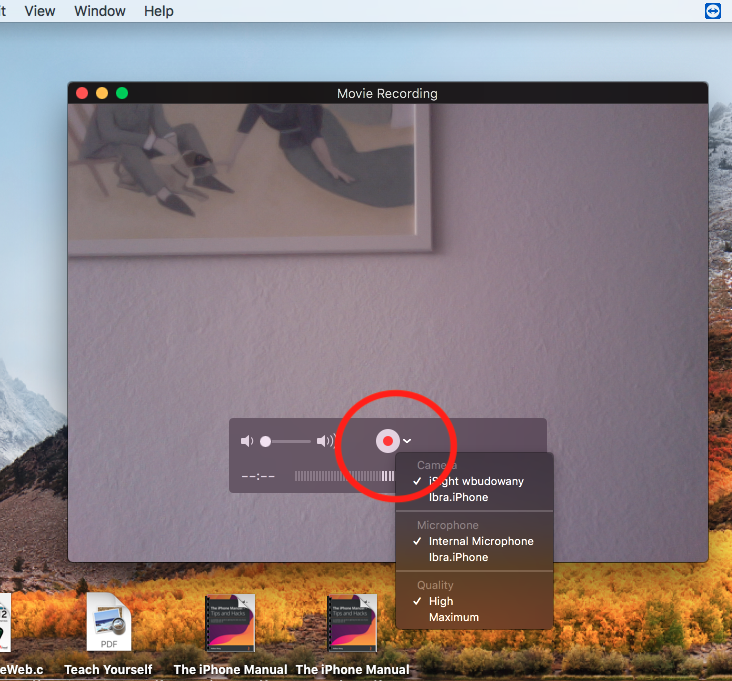
Recording videos is something useful to know. You can share this video if you want, keep it. As the recording will be done from the Mac, it will be recorded on the Mac. A video capture of the iPhone with the Mac allows to make videos of tutorial games, etc. You can do it on you iPhone but you can also do a screen movie with iPhone on Mac.
First connect the phone with the Mac with a USB cable and unlock it.
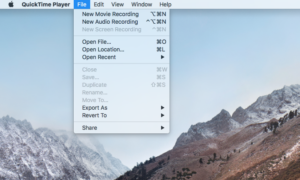
Then open the “QUICK TIME” app on the Mac. You can find it if you search with Spotlight search.

When it is open, go to the files section and you have 3 options: New movie recording, New audio recording, New screen recording (screenshot)