
HOW TO RECORD SCREEN ON IPHONE
We all know how to make a fixed screen capture of his iPhone. But you can also create a screen recording in order to record the sound on your iPhone.
To make a screenshot of the iPhone or iPad, nothing is easier: just press the side start button and the volume increase button simultaneously, or go to the «Control Center» and press «Copy the screen». The image of the capture is then automatically displayed in the lower left corner of the screen.
But it is sometimes useful to be able to record a complete video of what is happening on the screen, for example to share a tip in a video game or a live scene that you are filming.
Warning: This feature is only available for iOS11 or later versions.
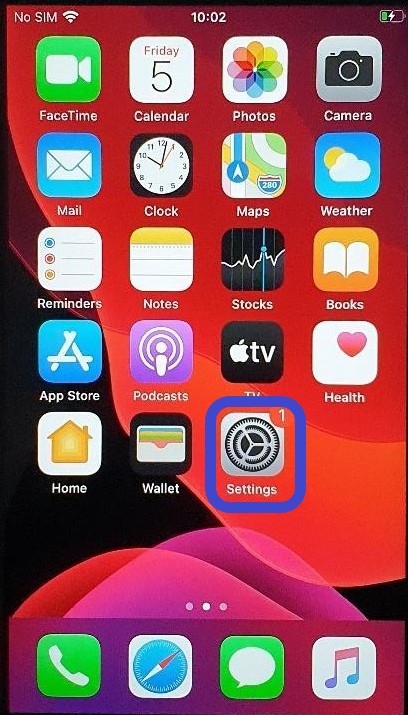
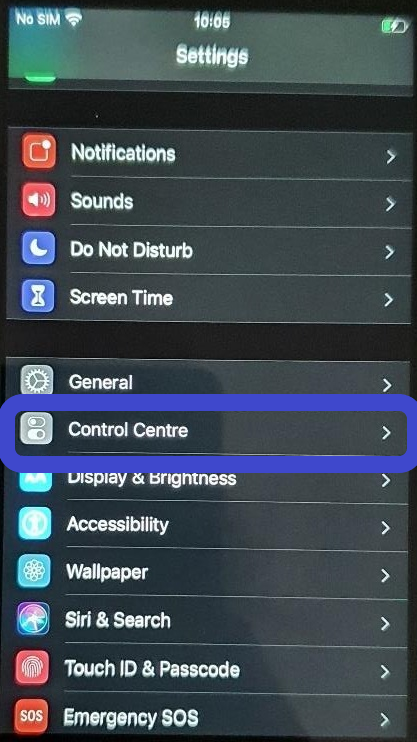
1. Go to  Settings > Control Center
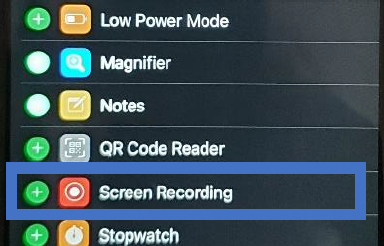
2 : then tap  next to "Screen Recording".
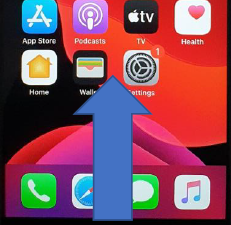
3 : Open Control Center by swiping up in the home screen,
Tap  , and then wait for the three-second countdown.
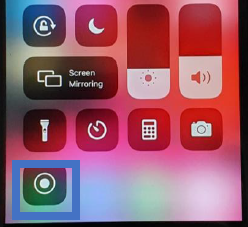
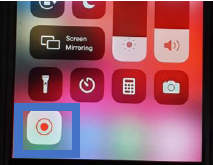
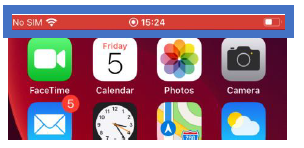
4 : To stop recording, swipe up to open Control Center, tap  or the red status bar at the top of the screen, then tap Stop.
5: Go to  Photos and tap your record to watch it.
Now you know how to make a screen recording on iPhone !
Before starting the screen record, be sure to disable all notifications, as they will also be recorded.