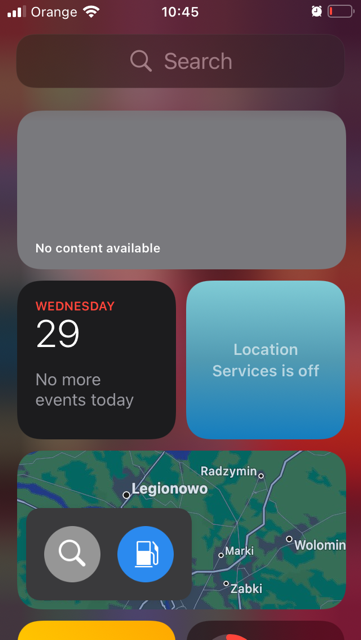
SEARCH ON iPHONE
You can search on iPhone. Search for apps, contacts, app contents like Mail, Messages and Photos, and even text in your photos.
You can search from anywhere on the iPhone. With the screen locked too, and choose which apps to include in the search results. The search function provides suggestions based on your use of the apps and updates the results during your entry.
With the iPhone, you have 2 types of search. The search file in the application or application or search file.
To search, from the main menu of the iPhone, you can swipe right and write on the search or you can open an application and write on the search tab. For example, in the "Settings" app, you can search for iPhone settings that you want to change, such as your access code, notification sounds, wallpaper, and more.
But you can also search for documents, photos, music, etc. in the "File" application.
In the App Store, you can search for the app and download it. You can search for chat text with someone in the Message application, etc.
Search with the iPhone
- Swipe down or left from the home screen or the unlocked screen.
- Tap the search field, then enter the app or text you want to search.