SET THE APPEARANCE ON iPHONE
The screen appearance of our phone is very important. For the pleasure but it is more good for the eyes. We don't have the same eyes. It's good to have good suitable brightness and other things. It's good to adjust based on the time, the light, our visual acknowledge. The way to set the appearance on iPhone is deferent to the way to Android.
Set the Brightness
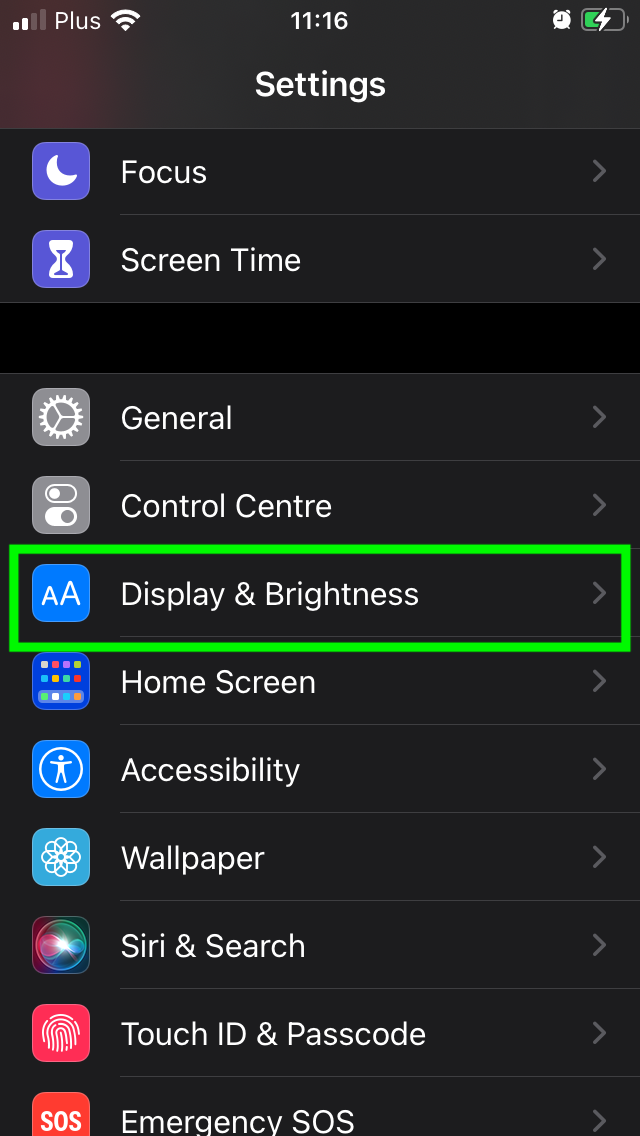
Go to "Settings", "Display & Brightness".
When you will be on the menu of "Display & Brightness", you can choose the appearance which you want. You have "Light" and "Dark". You can also activate the Automatic appearance.